Setup guides
Set up your AI employee, step by step
Every step with a picture of the screen you'll see. Read it on your phone, or download the PDF to share with your team.
Real estate: one AI property advisor for all your projects
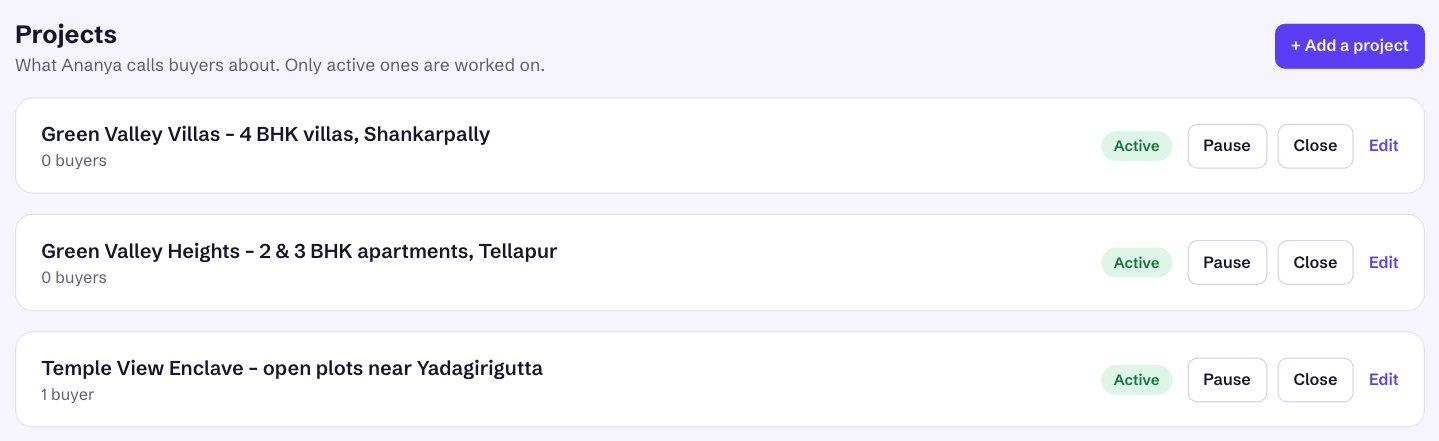
Set up Ananya once, then add your plot layouts, apartments and villas one by one. Each project gets its own details, questions, rules, site-visit address and enquiry link.
- Sign up and hire your AI property advisor
- Your first project: details, questions and fit rules
- Phone number, WhatsApp, calendar and a free test call
- Adding more projects, one by one
- Sending each project's buyers to the right project
About 15 minutes for the first project, 10 for each one after
More industries are on the way. Want help now? Talk to us and we'll set it up with you on a call.